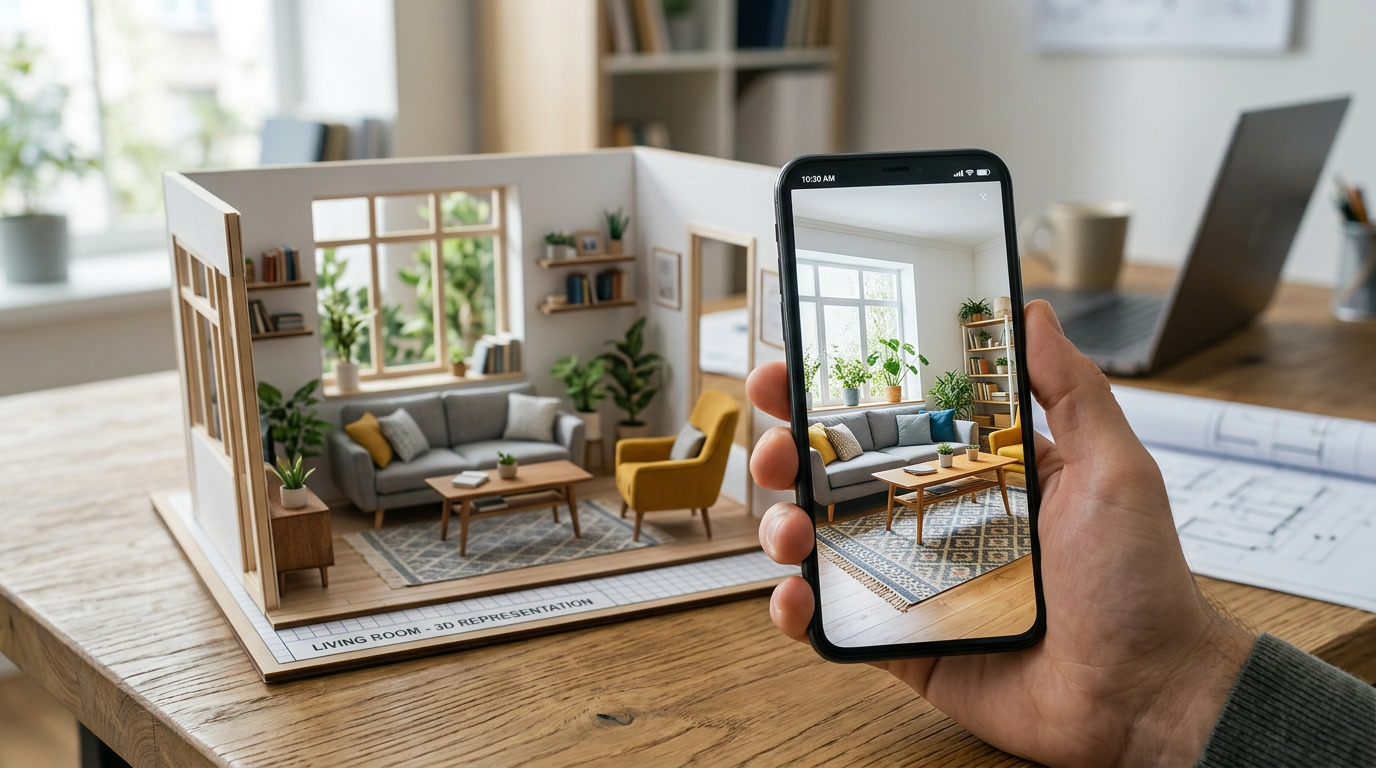
Realistic 3D Furniture Placement
Furniture is rendered realistically into your photo. Lighting is automatically adjusted based on the room image so new pieces fit naturally.
Upload a photo of your room, identify existing furniture, and experiment with new pieces. Move, remove, and test layouts until everything feels right.
You want to try new furniture. Move things around. See if that IKEA chair actually fits.
But today you either:
Hausjam lets you test ideas instantly.
Take a photo of any room — living room, bedroom, office, or studio apartment. Hausjam detects the room and prepares it for editing.
Select objects directly inside the photo using multipoint or rectangular selection. Hausjam converts them into editable furniture objects.
Drag objects anywhere in the room. Rotate, resize, adjust depth, and duplicate items. Experiment with layouts in seconds.
Upload a photo of any furniture piece, or paste a product link from a supported retailer like IKEA. Hausjam imports the item and places it inside your room.
Save projects to your profile, come back later to keep improving, or share your design with friends and family.
Furniture is rendered realistically into your photo. Lighting is automatically adjusted based on the room image so new pieces fit naturally.
Every item you import becomes part of your personal library. Reuse furniture across different rooms and projects without importing again.
Try different layouts without moving anything in real life. Rotate, duplicate, and test multiple positions. See what actually works before buying or rearranging.
Tokens are only used when AI needs to recognize furniture. Everything else is free.
| Action | Cost |
|---|---|
| Identify furniture in a photo | 1 token |
| Add new furniture | 1 token |
| Move furniture | Free |
| Rotate furniture | Free |
| Resize furniture | Free |
| Remove furniture | Free |
Start free. Upgrade when you need more.
20 tokens / week
500 tokens / month · rollover up to 1000
Prices are placeholder values. Final pricing TBD.
Start for free. No downloads. No credit card.